It’s not a good sign that clawdbot is 14000 commits and can be replicated by <200 commits.
Bad abstractions, messy webpage design. Should’ve known better than to install Clawdbot but thought testing it out wouldn’t have been that problematic. Guess I was wrong.
How did it happen?
Around January 25 I installed Clawdbot from their site (now https://openclaw.ai/), using their curl script.

I recall that there was a terminal process running, and a web browser where you could chat with it. Whether I set up an LLM or not, I forgot, but I must have for my data to be exfiltrated. Might’ve pasted Gemini or Anthropic API key.
I wanted to set it up with Telegram, so I followed the docs and created a bot with @BotFather, set the token and config, and paired it/started the gateway/tried to test it out.
It didn’t seem to do anything after messaging it from Telegram. I shut it off and didn’t do anything with it for the next few days.
Why did I not realize it?
Because it opens (or opened) a #$@#$@#$ daemon in the background on login. Somebody must’ve found my ip, there are free scanners like shodan, and accessed my computer/poked around/left with any files they found important.
I only realized it on Feb 1, when my keyboard suddenly slowing down when typing and became regular/fast speed again and I saw a ‘Login Items’ notification added to my computer.
I thought to myself: “shit, is this a keylogger?” I quickly checked System Settings (MacOS) -> Privacy & Security -> Input Monitoring, Accessibility to remove anything suspicious. Next, I wanted to uninstall Clawd remnants quickly as possible. Who knows where curl installs it. I booted up Opencode and told it to uninstall clawdbot.
It used rm, deleting any logs of the specifics of my data being exfiltrated. ljqlfkajdfKLAJSDFLKAJDFLKASDJFKLASDJFAKLDS
What did I lose? Postmortem.
By using the ‘Last Accessed Date’ on the file, I was able to at least construct a bit of a blast radius/damage zone of exfiltration.
In short, my personal information that has been stolen includes:
- Scans of my Passport, Driver’s License, and lots of other important docs
- Plain text files of my passwords (yeah, ik this was dumb, but I was migrating everything over from years of chrome passwords). managed to change them all though
Improving Security going forth
- Changed all passwords
- New “lockbox” model for computer
Ideally almost all files, including projects should be under the lockbox, but that might make things cumbersome for daily use. Generally you should not have network-connected agents or servers connected to the internet; this was a special case.
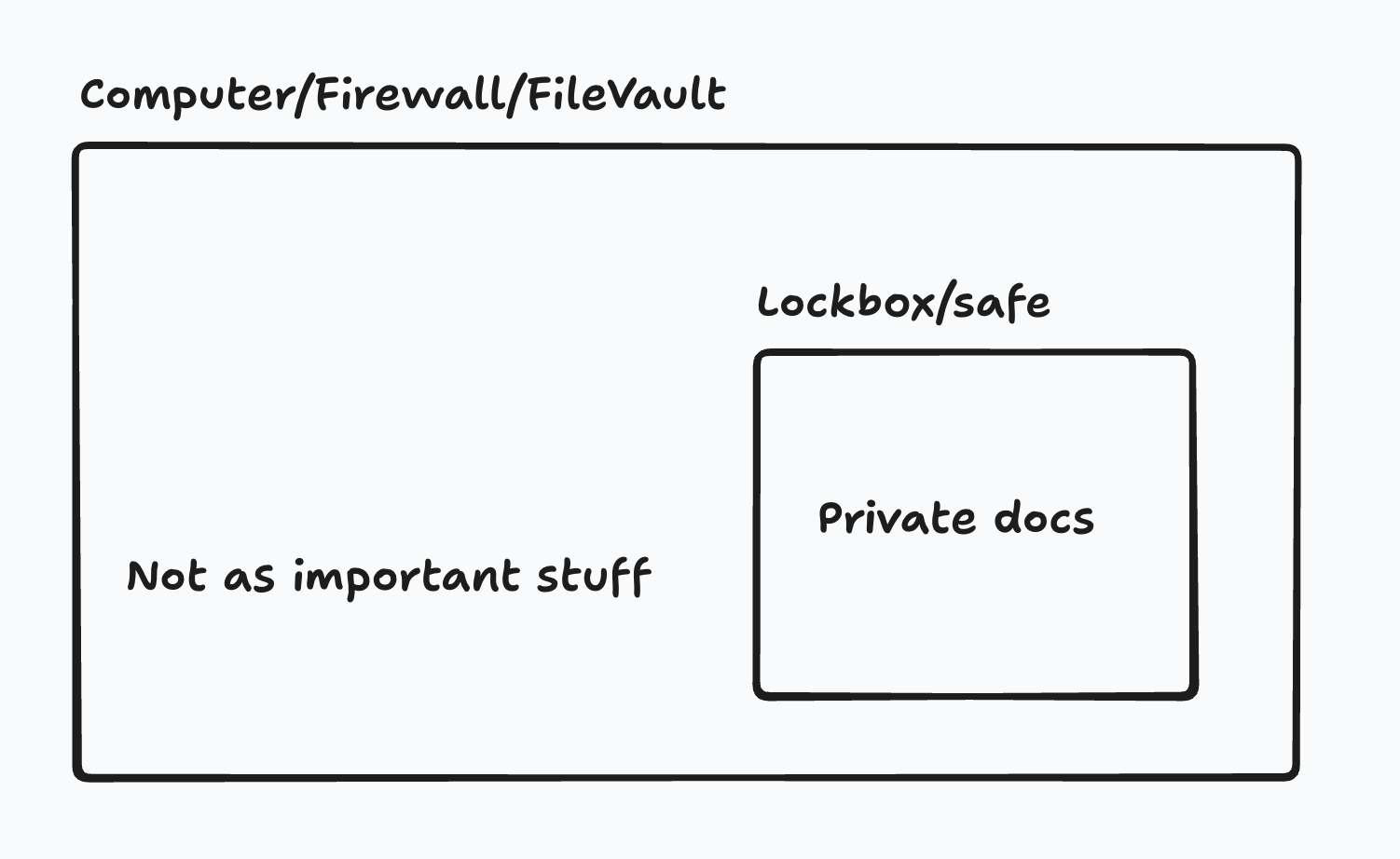
Haven’t decided: what sort of password or ID should be used to access the lockbox, and should it be similar to the computer password itself?
When will my data be better? When the expiry date on my documents nears.
Risks of MacOS Time Machine
- Doesn’t have a password. Anyone can restore your data to your computer if you lose physical security.
Things that are kept logged in:
- Telegram, chrome bookmarks, shottr/qbserve tool’s license codes, finder setup
Lost:
- Raycast index, bluetooth, Wechat, launchpad (use lporg), eagle.cool license, Apple/Google Account, accessibility permissions
- You might forget your password if you encrypt it
Sometimes it just breaks, supposedly. https://news.ycombinator.com/item?id=46848699
